Turning Off Instant On! If you no longer want to use NetZero Instant On! to gather your email, start page and other content, you can disable the feature from the main setup page. - Double-click the NetZero icon on your desktop.
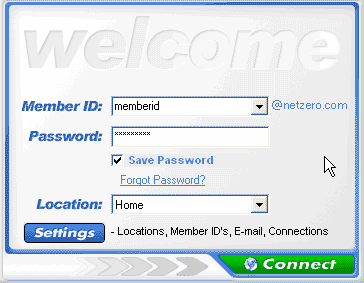
 - From the Welcome screen, click Settings.
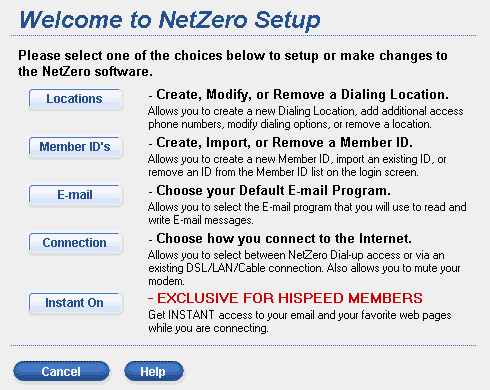
 - On the Welcome to NetZero Setup screen, click Instant On!.
 - Un-Check the box Yes I want Instant On!.
- Click Continue.
Back to the NetZero Instant On! Help Page
Back to the NetZero HiSpeed Index Page
| |




 My Password




