My NetZero
Help
My Account
Message Center
My Password
Billing and Usage History
Payment and Account Info
Update My Address
Upgrade My Account
Billing Questions
Access Numbers
Connection Issues
Get NetZero Software
Safety/Security
Contact Us
Select a different
Operating System
Windows98
Windows95
WindowsME
WindowsNT
Windows2000
WindowsXP
WindowsVista
Windows7
Windows8
Mac OS-9
Mac OS-X
Linspire
Microsoft - Internet Explorer 4.x
Change your Cookie preferences
Click on the Windows
Start
button.
Point to
Settings
and click on
Control Panel
.
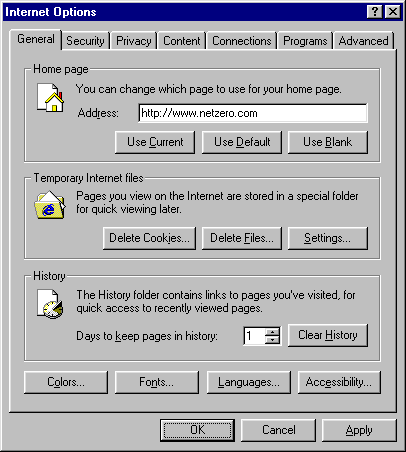
Double-click the
Internet Options
icon.
Select the
Security
tab.
Under
Security level for this zone
, click on the
Custom Level
button.
Scroll down to the
Cookies
section.
Check the circle next to
Prompt
.
Click
OK
.
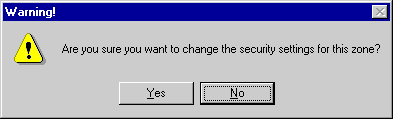
Click on the
Yes
button.
Click
OK
to exit.
NGCV




 My Password
 Billing and Usage History Payment and Account Info Update My Address Upgrade My Account Billing Questions Access Numbers Connection Issues Get NetZero Software Safety/Security Contact Us