Start Norton Internet Security and click the Norton Add-on Pack tab.
Click the Settings bar, and then click Parental Control under Web Browsing.
Click the Turn off button.
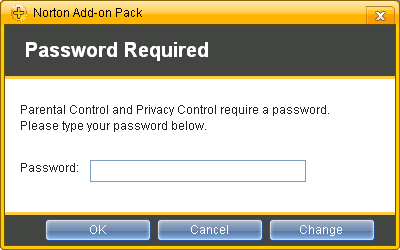
Enter your password when you are prompted, then click OK. If you have not set up a password for Parental Control, type and confirm your password, and then click OK.




 My Password